Captures the whole thing, not just the screen
- Scrolling capture: a round button appears on anything that scrolls. One click, or Ctrl+Alt+Shift+S for the page in front of you, and the whole page, document or chat comes back as one tall picture.
- Step capture: click through a task and get a numbered guide, ready to export as a PDF or a web page.
- GIF recording: short clips of any area, pointer included.
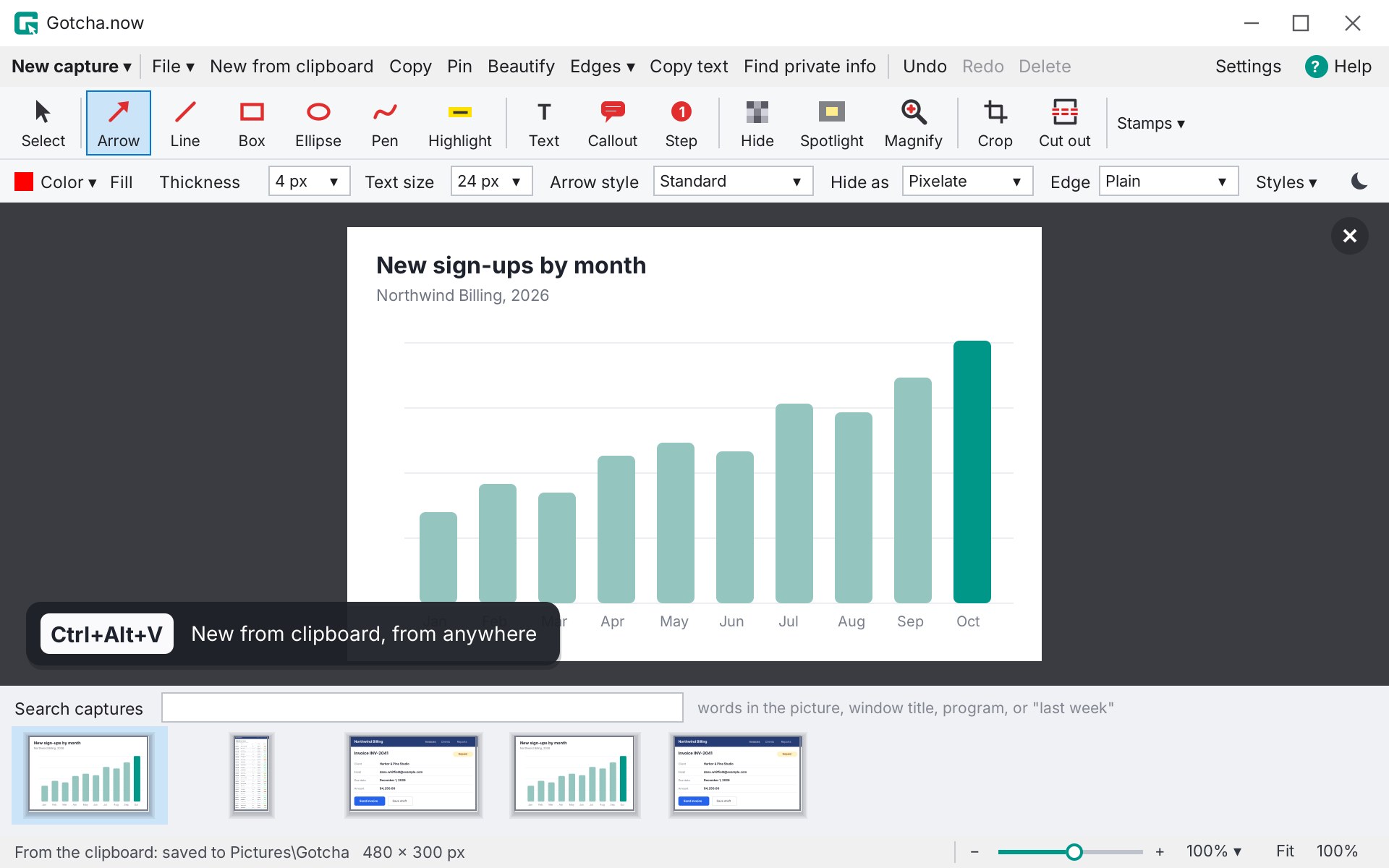
- New from clipboard: copied a picture somewhere else? Ctrl+Alt+V opens it for markup from any program.